import matplotlib.pyplot as plt
import cv2
import numpy as np1. Course overview
A. Goal
- Understand what is computer vision/deep learning algorithms
- Understand how to implement image/video processing algorithms in Python using OpenCV.
- Understand how to implement/train/test convolutional neural networks (CNNs) and Transformer in PyTorch.
B. Concept
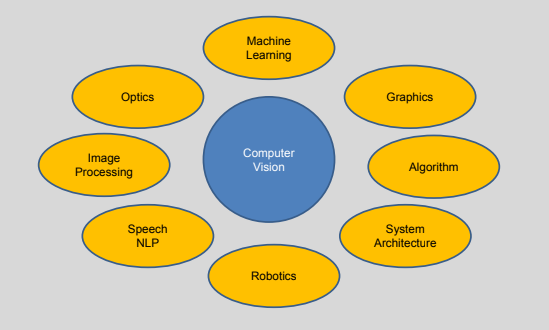
- What is computer vision?
- What is deep learning?
- AlphaGo is using a deep learning when training their parameters
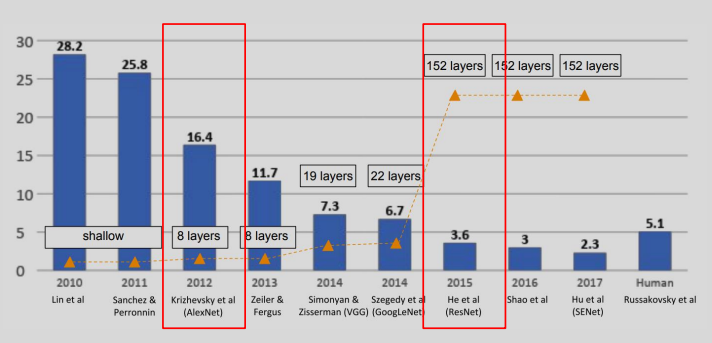
- ImageNet challenge (2012년 AlexNet(8 layers) \(\rightarrow\) 2015년 ResNet(152 layers)) getting deeper
C. Computer vision application
- Image classification for Cifar-10 dataset.
- Assuming that images are composed of one main object.

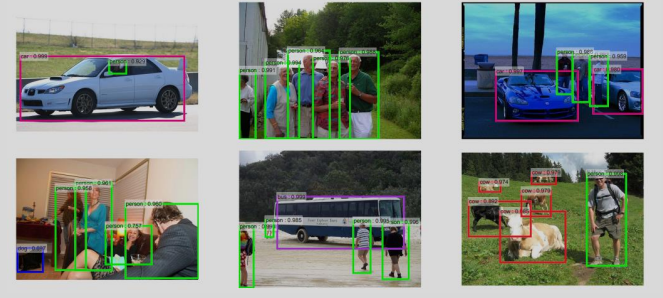
- Object detection
- Image could be composed of multiple objects
- Detect object location + class imformation
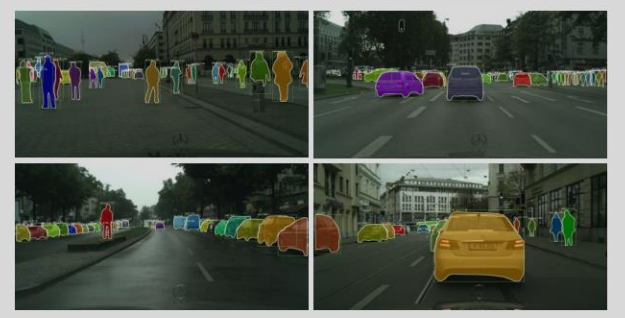
- Semantic segmentation
- Detect object’s pixel-level location + class information
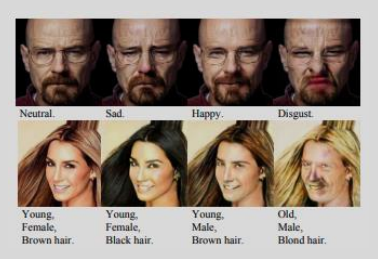
- Image generation
- draw new images by changing atrributes of the original images
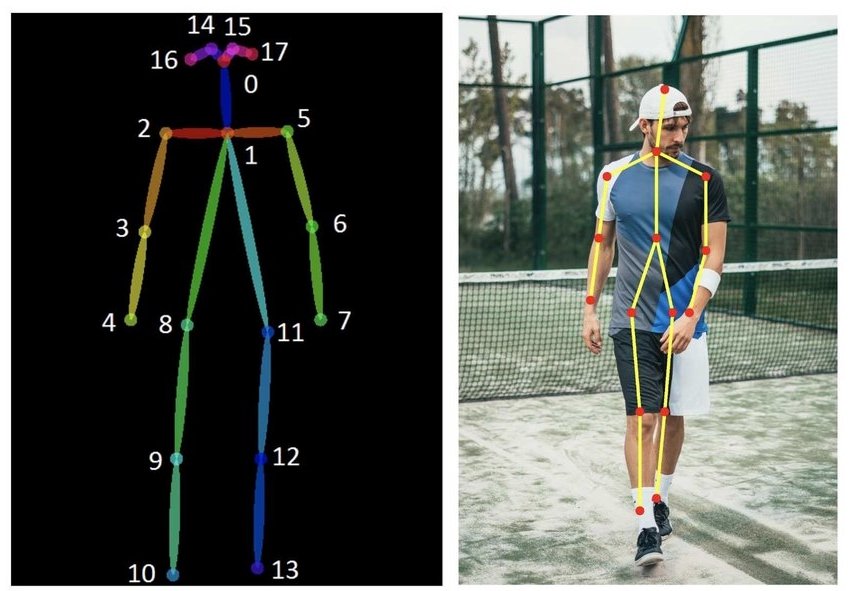
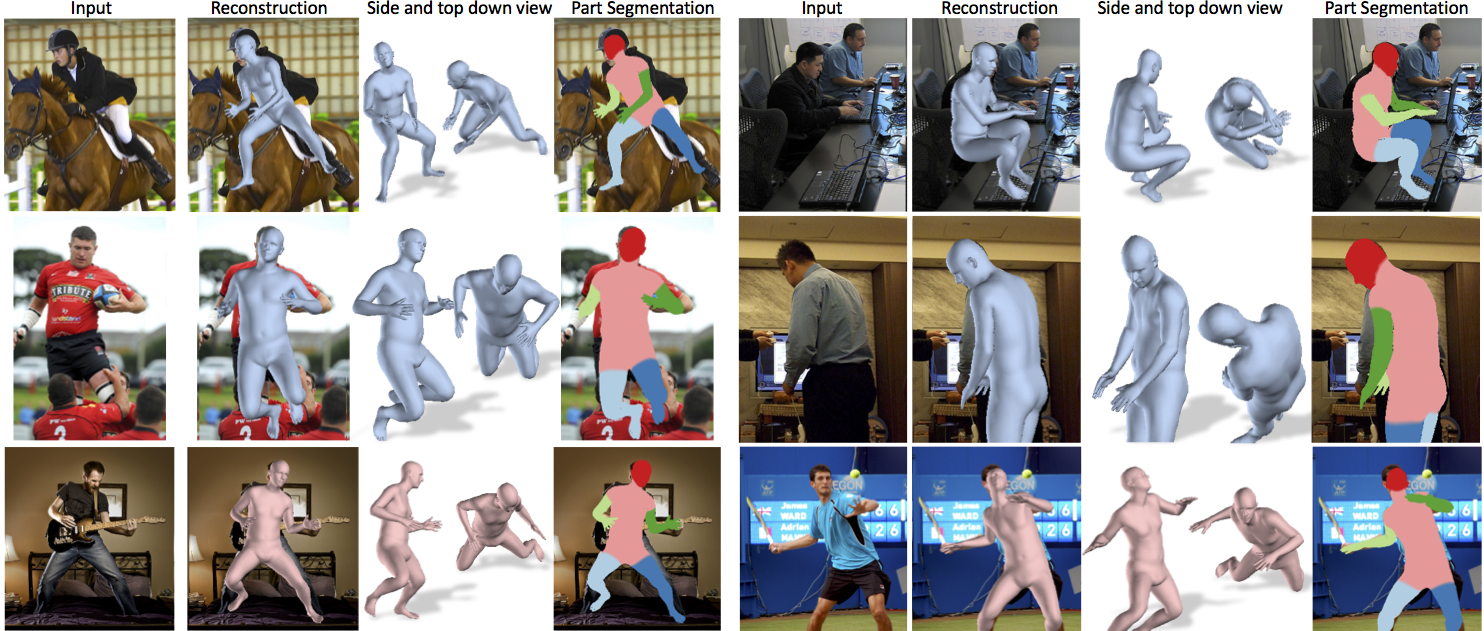
- Pose estimation
- Recognize 2D/3D poses of the main objects(body, hand, face)
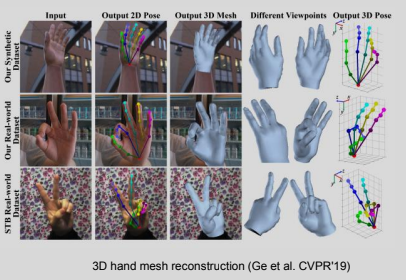
- 3D hand mesh reconstruction
- 21 Keypoints(4points for finger(20 joint) + wrist(손목)(1 joint))
- 778 vertices
- 3D human mesh reconstruction
- about 7000 vertices
2. Open CV
A. Image read
- Import
- 컬러 이미지로 불러오기 IMREAD_UNCHANGED
img = cv2.imread('./example.jpg', cv2.IMREAD_UNCHANGED)
img_rgb = cv2.cvtColor(img, cv2.COLOR_BGR2RGB)

plt.imshow(img_rgb)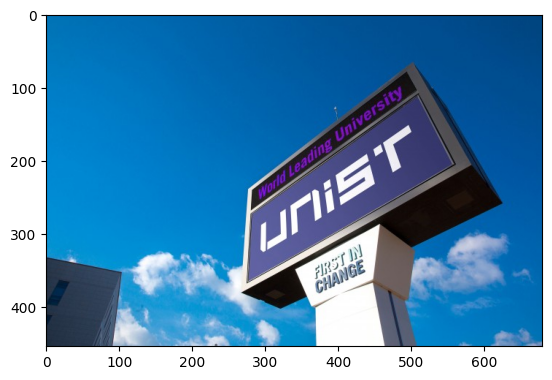
img.shape(454, 680, 3)- 흑백 이미지로 불러오기 IMREAD_GRAYSCALE
img2 = cv2.imread('./example.jpg', cv2.IMREAD_GRAYSCALE)

plt.imshow(img2, cmap = 'gray')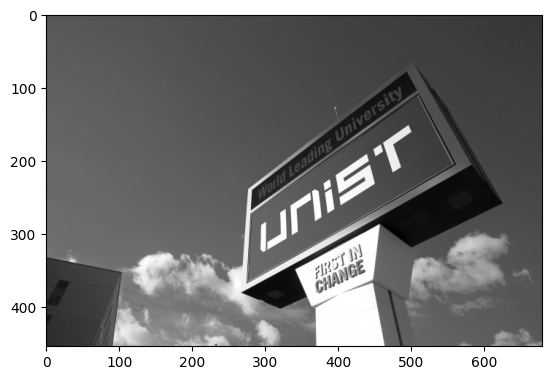
img2.shape(454, 680)B.Image processing
- 사각형 추가하기
img = cv2.imread('./example.jpg', cv2.IMREAD_UNCHANGED)

cv2.rectangle(img, (50, 50), (150, 150), (255, 0, 0))
cv2.rectangle(img, (300, 300), (100, 100), (0, 255, 0), 10)
cv2.rectangle(img, (450, 200), (200, 450), (0, 0, 255), -1)

img_rgb = cv2.cvtColor(img, cv2.COLOR_BGR2RGB)

plt.imshow(img_rgb)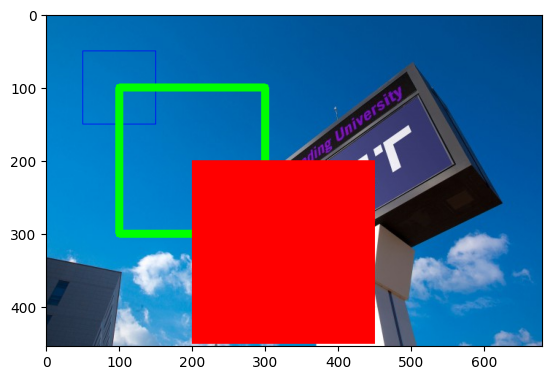
- polylines 그리기
img = cv2.imread('./example.jpg', cv2.IMREAD_UNCHANGED)

pts1 = np.array([[50,50], [150,150], [100,140], [200,240]], dtype=np.int32)
cv2.polylines(img, [pts1], False, (255,0,0))

img_rgb = cv2.cvtColor(img, cv2.COLOR_BGR2RGB)

plt.imshow(img_rgb)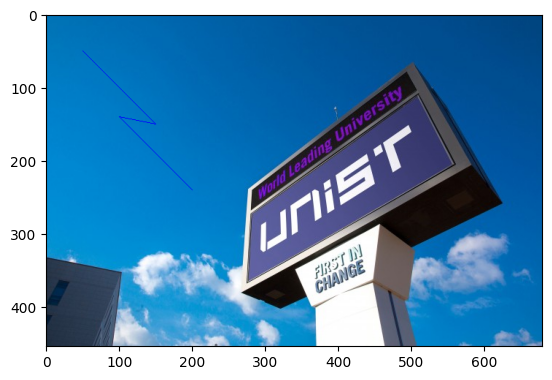
- 원 그리기
img = cv2.imread('./example.jpg', cv2.IMREAD_UNCHANGED)

cv2.circle(img, (150,150), 100, (255,0,0))
cv2.ellipse(img, ((325,300), (150,100), 0), (0,255,0), 5)

img_rgb = cv2.cvtColor(img, cv2.COLOR_BGR2RGB)

plt.imshow(img_rgb)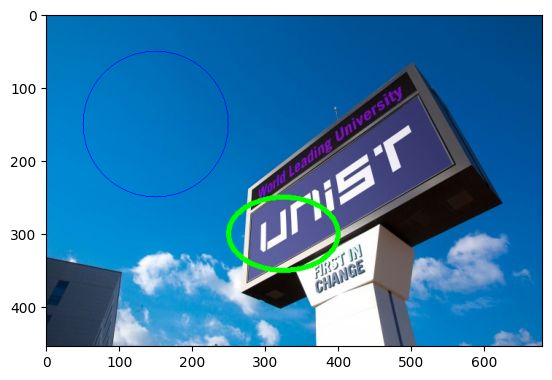
- Put texts
img = cv2.imread('./example.jpg', cv2.IMREAD_UNCHANGED)

cv2.putText(img, 'UNIST CSE48001 Computer Vision!', (20,50), cv2.FONT_HERSHEY_PLAIN, 2, (0,255,0))

img_rgb = cv2.cvtColor(img, cv2.COLOR_BGR2RGB)

plt.imshow(img_rgb)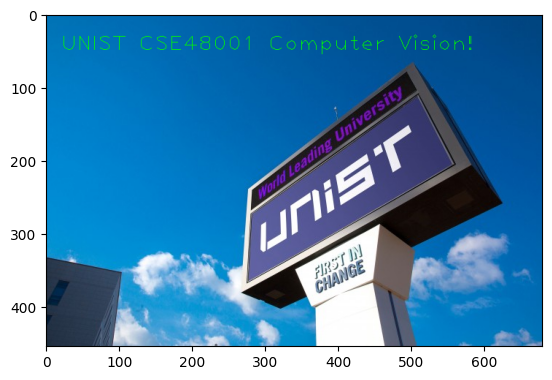
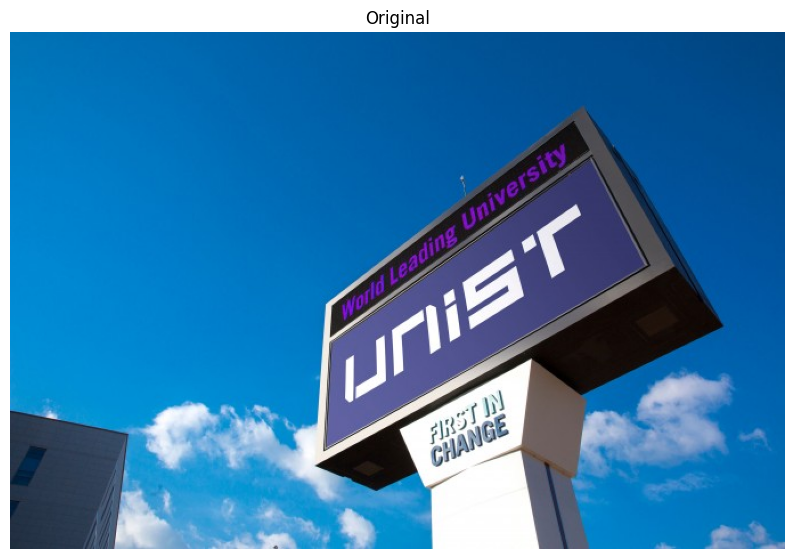
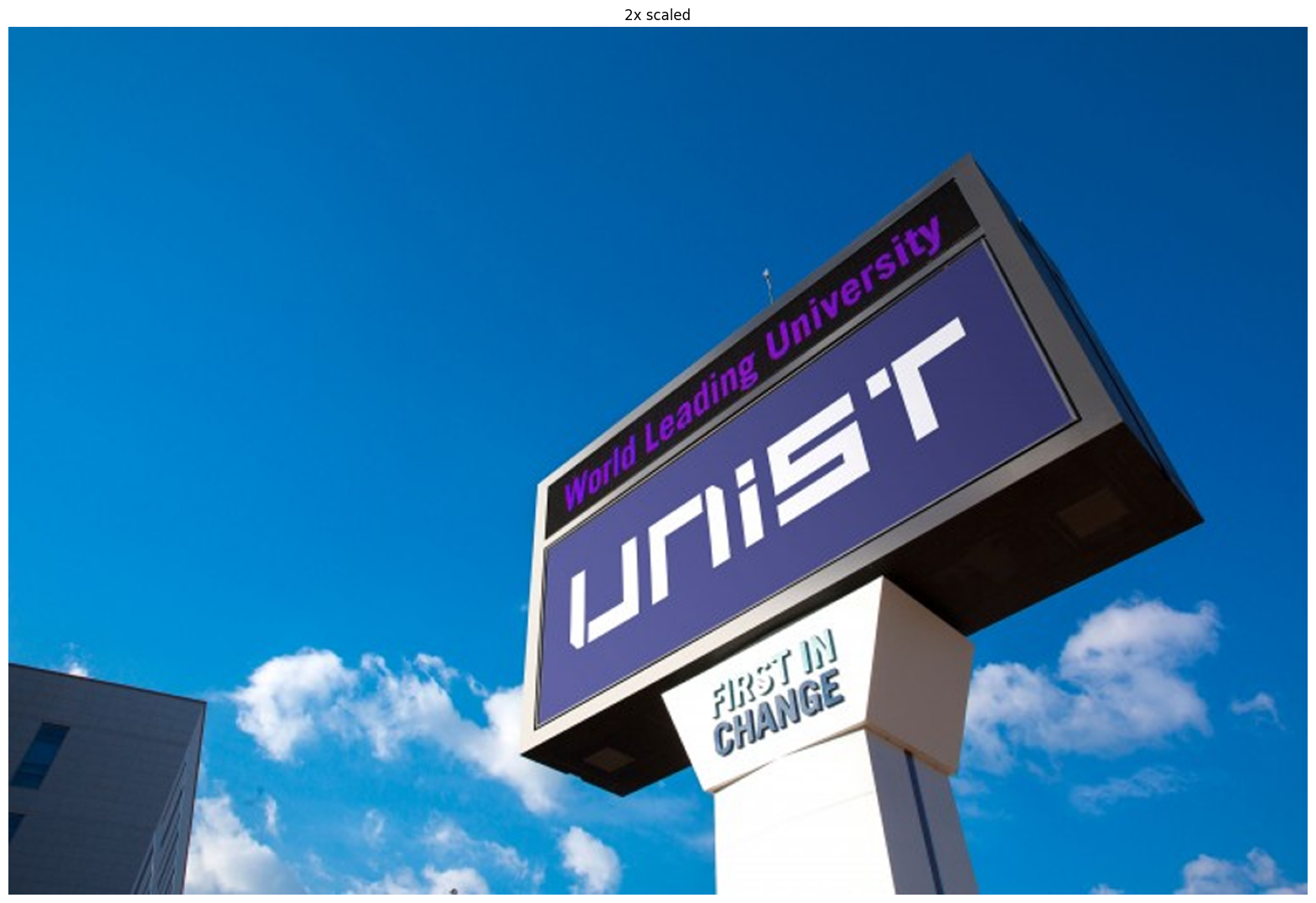
- Image resize
img = cv2.imread('./example.jpg', cv2.IMREAD_UNCHANGED)

height, width = img.shape[:2]

dst1 = cv2.resize(img, None, None, 0.5, 0.5, cv2.INTER_CUBIC)
dst2 = cv2.resize(img, None, None, 2, 2, cv2.INTER_CUBIC)

img_rgb_dst1 = cv2.cvtColor(dst1, cv2.COLOR_BGR2RGB)
img_rgb = cv2.cvtColor(img, cv2.COLOR_BGR2RGB)
img_rgb_dst2 = cv2.cvtColor(dst2, cv2.COLOR_BGR2RGB)

plt.figure(figsize=(5, 5))
plt.imshow(img_rgb_dst1)
plt.title('0.5x scaled')
plt.axis('off')
plt.show()

plt.figure(figsize=(10, 10))
plt.imshow(img_rgb)
plt.title('Original')
plt.axis('off')
plt.show()

plt.figure(figsize=(20, 20))
plt.imshow(img_rgb_dst2)
plt.title('2x scaled')
plt.axis('off')
plt.show()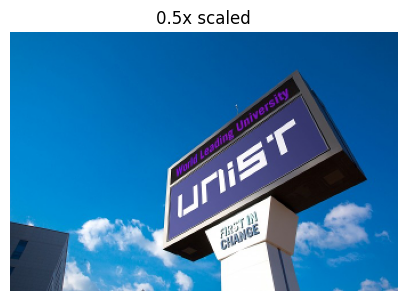
- Image blurring
img = cv2.imread('./example.jpg', cv2.IMREAD_UNCHANGED)

blur1 = cv2.blur(img, (10,10))

img_rgb = cv2.cvtColor(blur1, cv2.COLOR_BGR2RGB)

plt.imshow(img_rgb)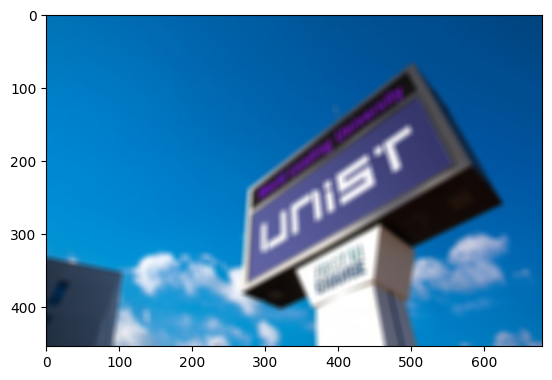
- Edge detection(밝기가 급격히 변하는 부분 감지)
img = cv2.imread('./example.jpg', cv2.IMREAD_UNCHANGED)

edges = cv2.Canny(img, 100, 200)

img_rgb = cv2.cvtColor(edges, cv2.COLOR_BGR2RGB)

plt.imshow(img_rgb)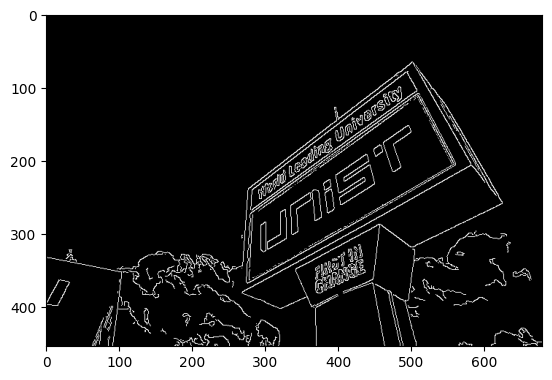
- Corner detection
img = cv2.imread('./example.jpg', cv2.IMREAD_UNCHANGED)

gray = cv2.cvtColor(img, cv2.COLOR_BGR2GRAY)
corner = cv2.cornerHarris(gray, 2, 3, 0.04)
coord = np.where(corner > 0.1*corner.max())
coord = np.stack((coord[1], coord[0]), axis=-1)

for x,y in coord:
  cv2.circle(img, (x,y), 5, (0,0,255), 1, cv2.LINE_AA)

img_rgb = cv2.cvtColor(img, cv2.COLOR_BGR2RGB)

plt.imshow(img_rgb)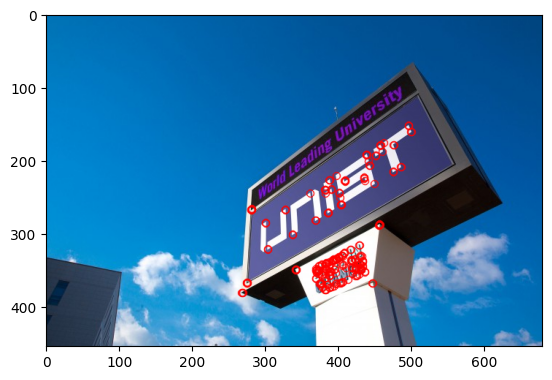
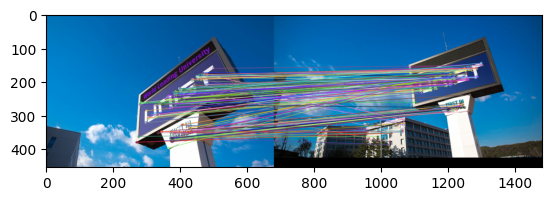
- Image matching
img1 = cv2.imread('./example.jpg', cv2.IMREAD_UNCHANGED)
img2 = cv2.imread('./example4.jpg', cv2.IMREAD_UNCHANGED)

gray1 = cv2.cvtColor(img1, cv2.COLOR_BGR2GRAY)
gray2 = cv2.cvtColor(img2, cv2.COLOR_BGR2GRAY)

detector = cv2.ORB_create()
kp1, desc1 = detector.detectAndCompute(gray1, None)
kp2, desc2 = detector.detectAndCompute(gray2, None)

matcher = cv2.BFMatcher(cv2.NORM_L1, crossCheck = True)
matches = matcher.match(desc1, desc2)

res = cv2.drawMatches(img1, kp1, img2, kp2, matches, None, flags = cv2.DRAW_MATCHES_FLAGS_NOT_DRAW_SINGLE_POINTS)

img_rgb = cv2.cvtColor(res, cv2.COLOR_BGR2RGB)
plt.imshow(img_rgb)